Export Testcase
The Export Test Cases feature allows you to download test cases from a project into a .csv file.
This is useful for reporting, backup, and offline review.
How to Export Test Cases
To export test cases:
- Navigate to the Test Cases module.
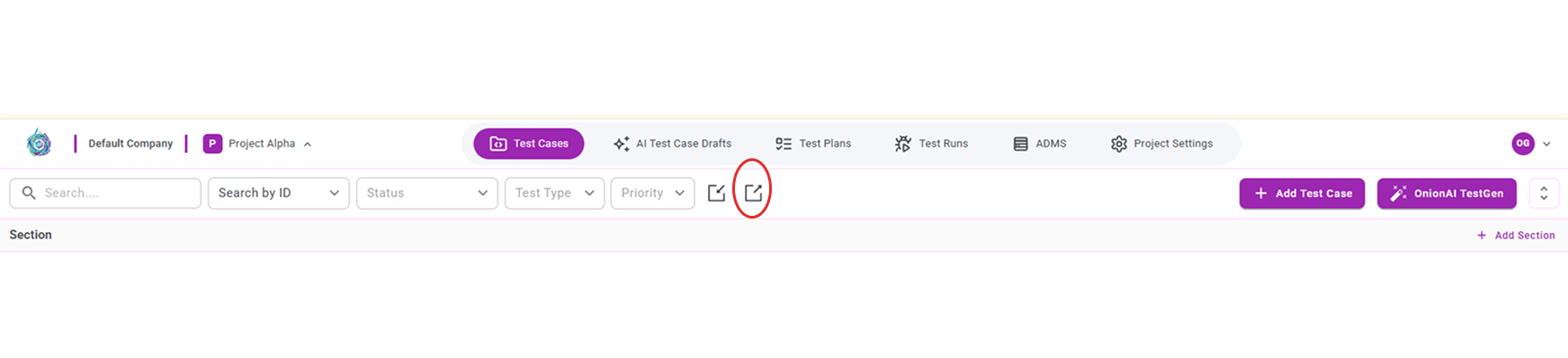
- Click the Export icon located in the toolbar.
- A .csv file is automatically downloaded to your system.
After Export
Once the export is completed:
- The downloaded .csv file contains the test case data from the current project.
- The file can be used for reporting, review, or re-importing if needed.